Strategy · ·21 min read · By Brent Smith
Best writing collaboration tools for agencies in 2027: 7 major platforms compared
The best writing collaboration tools for agencies in 2027: 7 major platforms compared on productivity research, real-time editing, client guest access, AI and total cost for 5, 15 and 30 seats.

Key takeaways
- No single writing tool covers both halves of agency work cleanly: most high-output agencies pair Notion ($10 to $20 a seat) as their internal hub for briefs, calendars and brand guidelines with Google Docs ($14 a seat on Business Standard) for client-facing drafts and reviews.
- Tool sprawl costs real billable margin. Research from Harvard Business Review, Microsoft, Atlassian and Asana puts context switching at nearly four hours a week per worker and information search at up to 25% of the workweek.
- Enterprise and regulated client rosters lean toward Microsoft Word and Loop ($14 a seat, or $23.50 with Copilot), while engineering-heavy agencies already on Jira usually standardize on Confluence (from roughly $5.50 to $6 a seat).
- Superhuman Docs (formerly Coda) charges only for Doc Makers ($12 to $33 each) while writers and clients edit free—making it cheaper than per-seat tools when a small strategy team builds templates for a larger roster.
- ClickUp Docs and monday workdocs cut app-switching when briefs live inside task workflows, though both still lose to Google Docs and Word on external client redlining.
Notion paired with Google Docs is the best overall writing collaboration setup for most agencies in 2027. Notion acts as the internal operating hub—housing client briefs, brand guidelines, SOPs and editorial calendars with unlimited free external guests on paid plans ($10 to $20 per seat annually)—while Google Docs handles client-facing copy drafting and redlining with zero onboarding friction for outside reviewers.
Other major players win specific agency environments. Agencies serving enterprise, legal or healthcare clients already standardized on Microsoft 365 usually stay in Microsoft Word and Loop ($14 per user annually, or $23.50 with Copilot). Dev-heavy digital agencies running Jira lean on Atlassian Confluence (from roughly $5.50 to $6 per user). Operations-minded agencies that want briefs, reporting tables and client portals to behave like lightweight apps get strong economics from Superhuman Docs (formerly Coda), which bills only for Doc Makers ($12 to $33 each) while everyone else collaborates free. And teams determined to keep writing inside their task manager turn to ClickUp Docs or monday workdocs.
This guide compares the seven biggest collaborative writing platforms used by agencies—skipping niche note apps—through the lens of workplace productivity research, client guest rules, AI integration and total seat cost at 5, 15 and 30 agency staff. Every platform gets a one-line verdict and a reason to skip it. Prices were checked on each vendor’s pricing page in November 2026, are in US dollars, and every study and pricing page is linked at the end.
A quick disclosure. We’re a growth agency, not a software review publisher. No vendor paid for placement or ranking in this article, and none of the links are affiliate links. We run a split stack ourselves—Notion internally, Google Docs for client copy review—so we have opinions about where each tool speeds work up and where it quietly drains billable hours.
Which writing collaboration tools are best for agencies at a glance?
Google Docs and Microsoft Word still own external client review, Notion and Confluence own structured agency knowledge, Superhuman Docs owns interactive client hubs, and ClickUp and monday.com keep writing next to tasks. The table summarizes each major player’s agency fit, entry paid pricing and external client access.
| Platform | Best for | Starting paid price (USD, annual) | External client access |
|---|---|---|---|
| Google Docs (Workspace) | Client-facing drafts, editorial redlining and universal review | $7 / user / mo (Starter); $14 (Standard, Shared Drives + Gemini) | Free link or email sharing; anyone can suggest or comment |
| Notion | Internal agency hub for briefs, calendars, wikis and SOPs | $10 / seat / mo (Plus); $20 (Business, includes Notion AI) | Unlimited free external guests on paid plans |
| Microsoft Word & Loop | Enterprise and regulated clients already on Microsoft 365 | $7 / user / mo (Basic); $14 (Standard); $23.50 (with Copilot) | External link and SharePoint sharing; desktop Track Changes |
| Atlassian Confluence | Technical and enterprise agencies running on Jira | ~$5.50 to $6 / user / mo (Standard); ~$11 (Premium) | Up to 5 free guests per paid seat on Standard and Premium |
| Superhuman Docs (Coda) | Data-heavy briefs, interactive client portals and Doc Maker economics | $12 / Doc Maker / mo (Pro); $33 (Business) | Free editors and viewers; only Doc Makers pay |
| ClickUp Docs | Tying briefs and SOPs directly to tasks and sprints | $9 / user / mo (Core); $17 (Business) | Permission-controlled guest seats scaled by plan and members |
| monday workdocs | Teams already managing client delivery in monday.com | $9 / seat / mo (Basic, 3-seat min); $12 (Standard); $19 (Pro) | External guests start on Standard (billed on guest ratios) |
All prices above reflect annual billing, which is how most agencies buy core workspace tools. Monthly billing adds roughly 15% to 25% across nearly every vendor in the table.
What does the research say about writing and collaboration productivity?
Productivity losses in agency writing rarely come from how fast someone types; they come from switching between disconnected apps, hunting for buried context and absorbing constant interruptions. Five widely cited workplace studies put concrete numbers on the drag.
- Harvard Business Review (August 2022) tracked 137 employees across 20 teams at three Fortune 500 companies. Workers toggled between apps and websites roughly 1,200 times a day, losing just under four hours a week simply reorienting themselves—about 9% of annual work time, or five full workweeks a year.
- Atlassian’s State of Teams 2025 surveyed 12,000 knowledge workers and 200 executives and found that leaders and teams waste 25% of their time just searching for answers—an estimated 2.4 billion hours a year across the Fortune 500. Over half of workers (56%) reported having to ping a colleague or book a meeting just to track down basic context.
- Microsoft’s Work Trend Index (May 2023) analyzed Microsoft 365 telemetry and found employees spent 57% of their time communicating (meetings, email and chat) and only 43% creating (documents, spreadsheets and presentations), with 64% saying they lacked the time and energy to finish their work.
- Microsoft’s “Breaking down the infinite workday” special report (June 2025) tracked Microsoft 365 signals again and found the average worker is interrupted roughly every two minutes—about 275 times a day across 117 emails, 153 Teams messages and meetings, 57% of which are ad hoc calls without calendar invites.
- Asana’s Anatomy of Work Global Index (2023) reported that knowledge workers spend 58% of their day on “work about work”—chasing approvals, searching for files and updating statuses—while 55% of workers at highly collaborative organizations reported revenue growth over the prior three years.
Treat the exact percentages as directional. Microsoft, Atlassian and Asana all sell collaboration software, and HBR’s telemetry study covered enterprise teams rather than creative agencies specifically. Even with a healthy discount, the pattern across independent studies points in one direction: every extra handoff between a brief, a brand guide, a draft and a client feedback thread taxes billable margin.
For a 15-person agency billing at a conservative blended rate of $125 an hour, losing even two billable hours per person per week to hunting for the latest brief, re-pasting comments from Slack or reconciling “v4_FINAL_clientedits.docx” costs roughly $15,000 a month in unbilled capacity. That dwarfs the $200 to $500 a month you will spend on any of the software stacks below.
Should a small agency start with one tool before adding a workspace?
Yes. If your agency has fewer than five people, stick to Google Workspace or Microsoft 365 alone until folder sprawl actually slows delivery down.
Early agencies lose more time over-engineering an intricate Notion or ClickUp setup than they save. A disciplined Shared Drive with one folder per client, a standardized brief template and consistent naming conventions carries a three- or four-person team surprisingly far. You already pay for Google Workspace or Microsoft 365 for business email anyway, so the incremental software cost is zero.
The breaking point usually arrives around five to eight people, or eight to ten active retainers. At that stage, new writers can’t find the approved tone-of-voice guide, account managers ask in Slack where the Q3 content calendar lives, and Google Drive turns into a graveyard of similarly named docs. That is the moment to add a dedicated workspace—Notion, Confluence or Superhuman Docs—as the structured system of record, while keeping Google Docs or Word strictly for client-facing drafts.
What should an agency look for in a writing collaboration tool?
An agency writing stack has to survive two opposing pressures: internal teams need structured, searchable knowledge across dozens of clients, while external clients want a clean document they can mark up in thirty seconds without creating an account. Judge every platform against eight practical checks.
- Zero-friction client review. Can a client’s VP of marketing or legal counsel open a link, leave inline edits and approve copy without signing up for a new tool? This single criterion is why Google Docs and Word remain hard to displace.
- Line-level editing vs. block-level structure. Tracked suggestions, clean comment resolution and clear version diffs matter enormously for copywriting, SEO articles and PR. Block editors excel at briefs, wikis and databases, not heavy prose redlining.
- Searchability and knowledge structure. Can a writer pull up every client’s messaging rules, approved proof points and past briefs in ten seconds without pinging an account manager? Look for relational databases, verified wiki pages and cross-doc search.
- Guest and freelancer seat economics. Agencies rotate contractors and invite client stakeholders constantly. Per-seat tools that charge full licenses for occasional collaborators get expensive fast; free guest policies and Doc Maker models protect margin.
- Client isolation and permissions. One accidental permission leak exposing Client A’s strategy brief to Client B is a fireable mistake. Check how cleanly the tool isolates client spaces and restricts guest visibility.
- AI grounded in your own workspace. Generic AI draft buttons add little value—and often create extra editing work. What saves real time is workspace search and summarization that reads your own client briefs, call notes and past approved copy.
- Clean export and CMS handoff. Does copying a finished article into WordPress, Webflow, Contentful or Shopify keep headings, links, lists and tables intact, or does an editor spend twenty minutes stripping broken markup?
- Task and chat integration. Writing doesn’t happen in isolation. Tight links to Slack, Microsoft Teams, Jira, Asana, Linear or your project tracker keep briefs connected to deadlines without manual status updates.
How much do writing collaboration tools cost for 5, 15 or 30 agency seats?
Software licensing is the cheapest part of agency writing productivity, running $30 to $600 a month for a 15-person team depending on tier and AI add-ons—though most agencies pay for two layers because email suites rarely double as good internal wikis.
Assumptions: 5, 15 and 30 full internal seats on annual billing at US list prices checked in November 2026, using the business tier most agencies actually need for shared permissions, version history and guest access. For Superhuman Docs (formerly Coda), we model 40% of the agency as paid Doc Makers (2, 6 and 12 makers—leads, strategists and ops) with the remaining writers and clients participating as free editors.
| Platform and tier | Billing model | 5 seats | 15 seats | 30 seats |
|---|---|---|---|---|
| Google Workspace Business Standard | $14 / user / mo (email + Docs + Gemini) | $70 | $210 | $420 |
| Microsoft 365 Business Standard | $14 / user / mo (email + Word + Loop) | $70 | $210 | $420 |
| Microsoft 365 Business Standard + Copilot | $23.50 / user / mo bundled | $118 | $353 | $705 |
| Notion Plus | $10 / seat / mo, unlimited free guests | $50 | $150 | $300 |
| Notion Business (includes Notion AI) | $20 / seat / mo, unlimited free guests | $100 | $300 | $600 |
| Atlassian Confluence Standard | ~$5.78 / user / mo (tiered), 5 free guests/seat | ~$29 | ~$87 | ~$173 |
| Superhuman Docs (Coda) Business | $33 / Doc Maker / mo (40% makers modeled) | $66 | $198 | $396 |
| ClickUp Core / Business | $9 (Core) or $17 (Business) / user / mo | $45 / $85 | $135 / $255 | $270 / $510 |
| monday.com Standard / Pro | $12 (Standard) or $19 (Pro) / seat / mo | $60 / $95 | $180 / $285 | $360 / $570 |
Two nuances matter when budgeting:
- You already pay for the email layer. Almost every agency already pays roughly $14 per person a month for Google Workspace or Microsoft 365. Pairing Google Workspace Business Standard ($210/month for 15 people) with Notion Business ($300/month) comes to $510/month combined—about $34 per employee, or less than 20 minutes of billable work per person each month.
- Watch monthly billing markups and seat minimums. Paying month to month adds roughly 20% across Google Workspace ($16.80 vs. $14), Notion ($24 vs. $20 on Business) and Superhuman Docs ($40 vs. $33 on Business). monday.com also sells seats in fixed buckets (starting at 3 seats, then 5, 10, 15, 20 and so on), so a 16-person agency pays for 20 seats.
Which standalone document editors work best for client drafts?
When copy has to leave your agency for client edits, compliance review or executive sign-off, the two office giants still own the workflow. Neither is a good agency wiki, and both remain nearly impossible to quit.
Google Docs (Google Workspace): best for client-facing drafts and zero-friction reviews
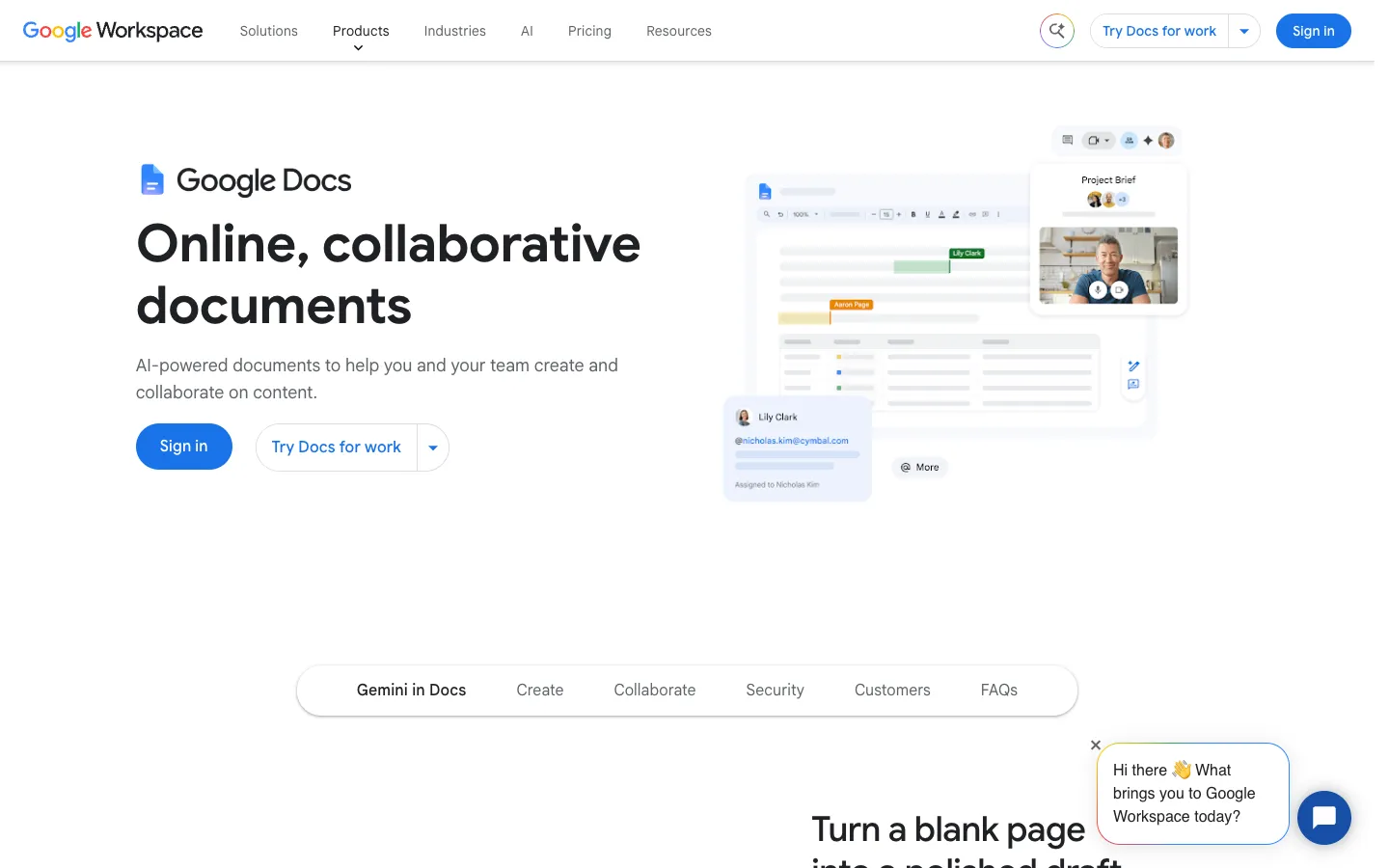
Google Docs is the lingua franca of agency copywriting. Almost every client, freelance writer and PR partner already knows how to toggle Suggesting mode, tag a colleague in a margin comment and resolve threads without asking IT for access. Real-time co-authoring remains the most stable in the industry, document tabs keep multi-asset campaigns (such as a landing page, email sequence and ad variants) inside one file, and clean copy-paste into most web CMSs beats Word hands down.
Google Workspace runs $7 per user a month on Business Starter ($8.40 monthly), $14 on Business Standard ($16.80 monthly) and $22 on Business Plus ($26.40 monthly) on annual commitments up to 300 users. Most agencies belong on Business Standard, which adds 2 TB of pooled storage per user, Shared Drives (so files belong to the agency, not a departing writer’s My Drive) and Gemini built directly into Docs, Gmail and Drive. The catch is structural: Drive folders do not scale into a real knowledge base, and without strict folder hygiene they quickly turn into a search nightmare.
- Choose Google Docs if you write for growth, SaaS, ecommerce or consumer clients who expect fast browser-based review links.
- Skip Google Docs as your sole knowledge hub once you pass about five people; pair it with a structured workspace for briefs, calendars and SOPs.
Microsoft Word and Loop (Microsoft 365): best for enterprise and regulated client rosters
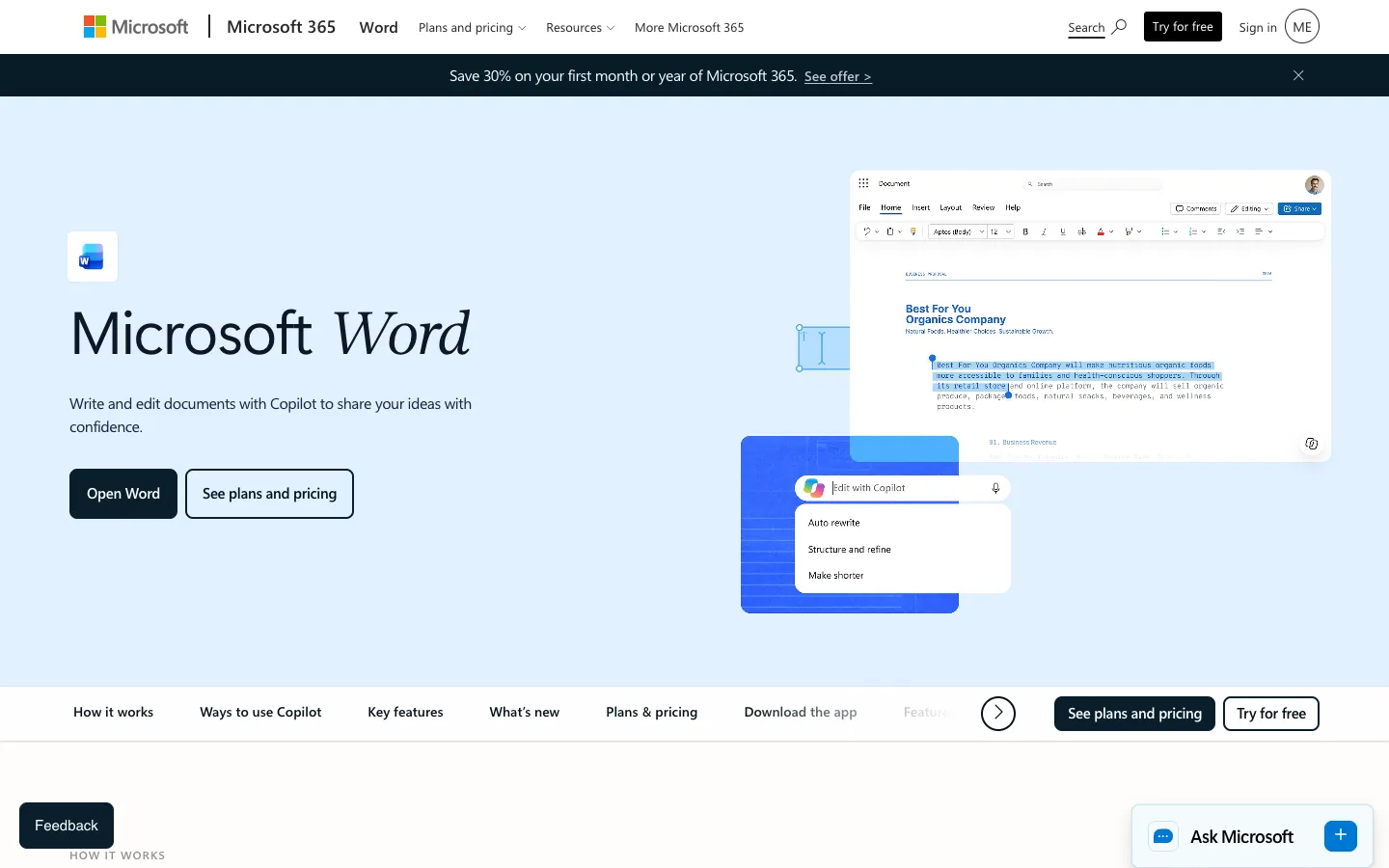
Microsoft 365 is the non-negotiable default when your clients live in enterprise legal, finance, healthcare, manufacturing or government. Desktop Word’s Track Changes, styles, footnotes and strict .docx fidelity still beat browser editors on 40-page whitepapers, RFP responses and legal redlines. Microsoft has also expanded Microsoft Loop—its Notion-style collaborative pages and live components that sync across Teams, Outlook and Word—which helps internal Microsoft shops keep lightweight briefs closer to chat.
Core Microsoft 365 Business plans mirror Google’s annual pricing: $7 per user a month for Business Basic (web/mobile apps only), $14 for Business Standard (full desktop apps, Teams and SharePoint) and $22 for Business Premium (advanced security and device management). Unlike Google Workspace Standard, full work-grounded AI costs extra: Microsoft 365 Business Standard with Copilot is $23.50 per user a month billed annually ($32 on Premium with Copilot), or $21 per user a month as a standalone Copilot Business add-on. SharePoint permissions and external guest links remain noticeably clunkier than Google Docs for fast external reviews.
- Choose Microsoft Word and Loop if your clients demand
.docxredlines, strict compliance controls or native Microsoft Teams and SharePoint alignment. - Skip Microsoft 365 as a primary creative writing tool if your clients are Google-native startups and digital brands, where
.docxversion ping-pong slows approvals down.
Which connected workspaces work best as an agency writing hub?
This is where modern agencies win back the hours lost to app toggling and searching for answers. Connected workspaces combine long-form pages with structured databases, templates and search—turning scattered client briefs and guidelines into one system.
Notion: best overall internal writing hub for agencies
Notion—which crossed 100 million users in August 2024—has become the default internal brain for creative, SEO and content agencies. Its block editor handles briefs, style guides, research notes and meeting minutes cleanly, while relational databases let you link every article brief directly to a client record, target keyword, writer, deadline and live URL. You can share a dedicated client portal page or individual brief using unlimited free external guests on paid plans, which keeps seat bills predictable even with dozens of clients and freelancers.
Pricing is straightforward: Plus costs $10 per seat a month billed annually ($12 monthly), and Business costs $20 per seat a month annually ($24 monthly). Notion phased out its old $10 AI add-on for new workspaces and folded full Notion AI—including AI Meeting Notes, Enterprise Search across connected tools and the Notion Agent—directly into the Business tier, alongside private teamspaces and 90-day page history. The downside is operational discipline: without a workspace owner enforcing templates and archiving old pages, Notion workspaces bloat fast. Its inline suggesting and line-by-line copyediting also still lag behind Google Docs for heavy client redlines.
- Choose Notion if you want the strongest all-round agency hub for briefs, content calendars, SOPs and client wikis with generous free guest sharing.
- Skip Notion if nobody on your team is willing to own workspace structure, or if you want one tool to replace Google Docs for finicky external copy edits.
Atlassian Confluence: best for technical and enterprise agencies already on Jira
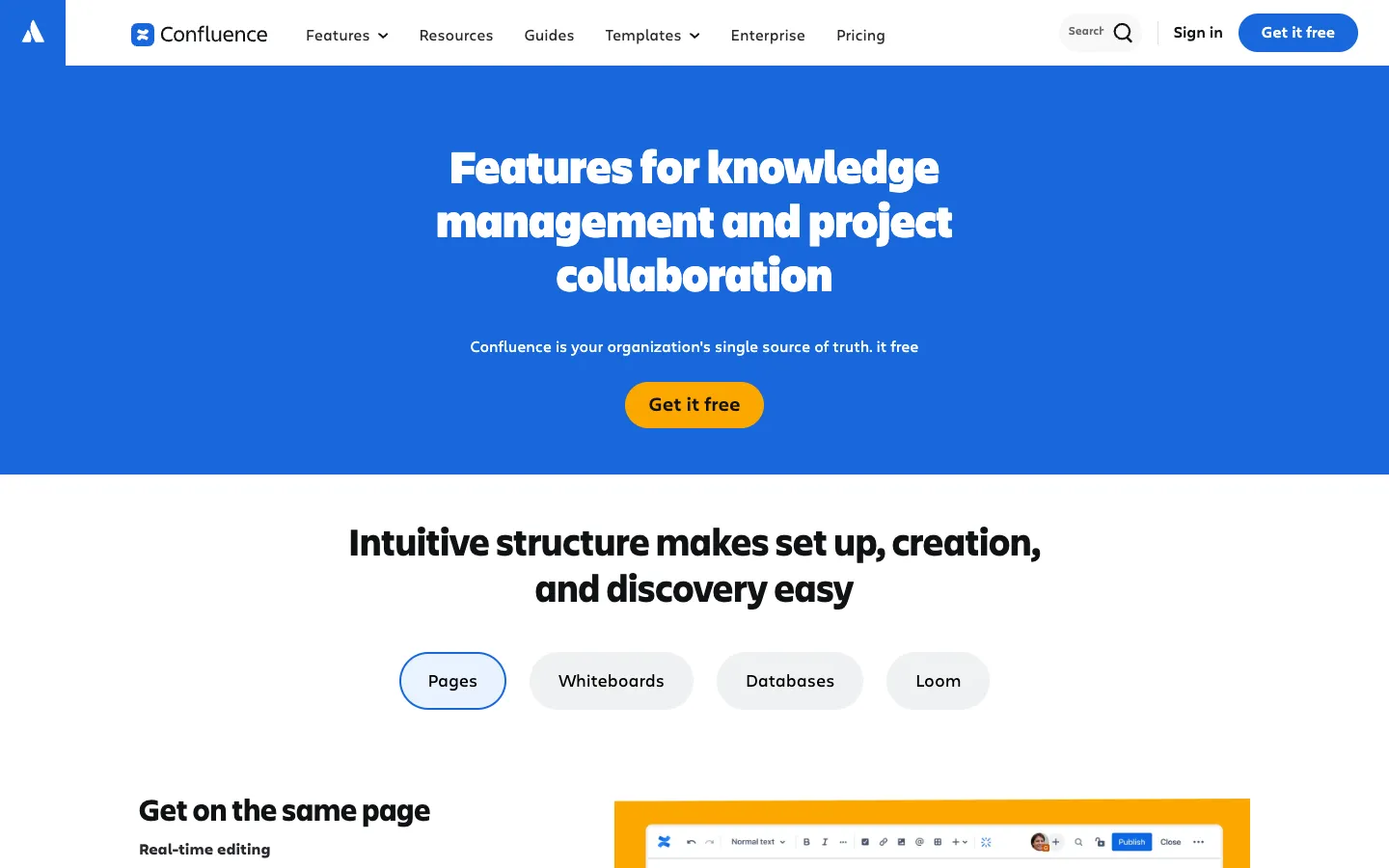
Atlassian Confluence is built for structured, long-lived documentation rather than aesthetic client presentations. If your agency builds complex web apps, technical SEO migrations or enterprise software alongside content—and your engineering or product teams already live in Jira—Confluence keeps specs, content architecture and delivery tickets tightly linked. Space-level permissions make it easy to lock down each client’s documentation cleanly, and Atlassian’s tiered cloud pricing is one of the cheapest per-seat options on the market.
Confluence Cloud uses tiered per-user pricing that drops with volume: Standard starts at roughly $5.50 to $6 per user a month for small teams and Premium starts near $11 per user a month (adding unlimited storage, analytics, AI/automation capabilities and 24/7 support). Both Standard and Premium include up to five free external guests per paid user, which comfortably covers client stakeholders for most agencies. The trade-off is writing feel: even after Atlassian’s editor updates and Confluence Databases, copywriters and creative directors generally find Confluence stiffer and more corporate than Notion or Google Docs.
- Choose Confluence if your agency runs on Jira, handles technical or enterprise retainers, and prioritizes strict space permissions and low per-seat cost.
- Skip Confluence if you are a brand, PR or content-first agency where copywriters and clients expect a fast, modern editorial feel.
Superhuman Docs (formerly Coda): best for data-heavy briefs, client portals and Doc Maker pricing
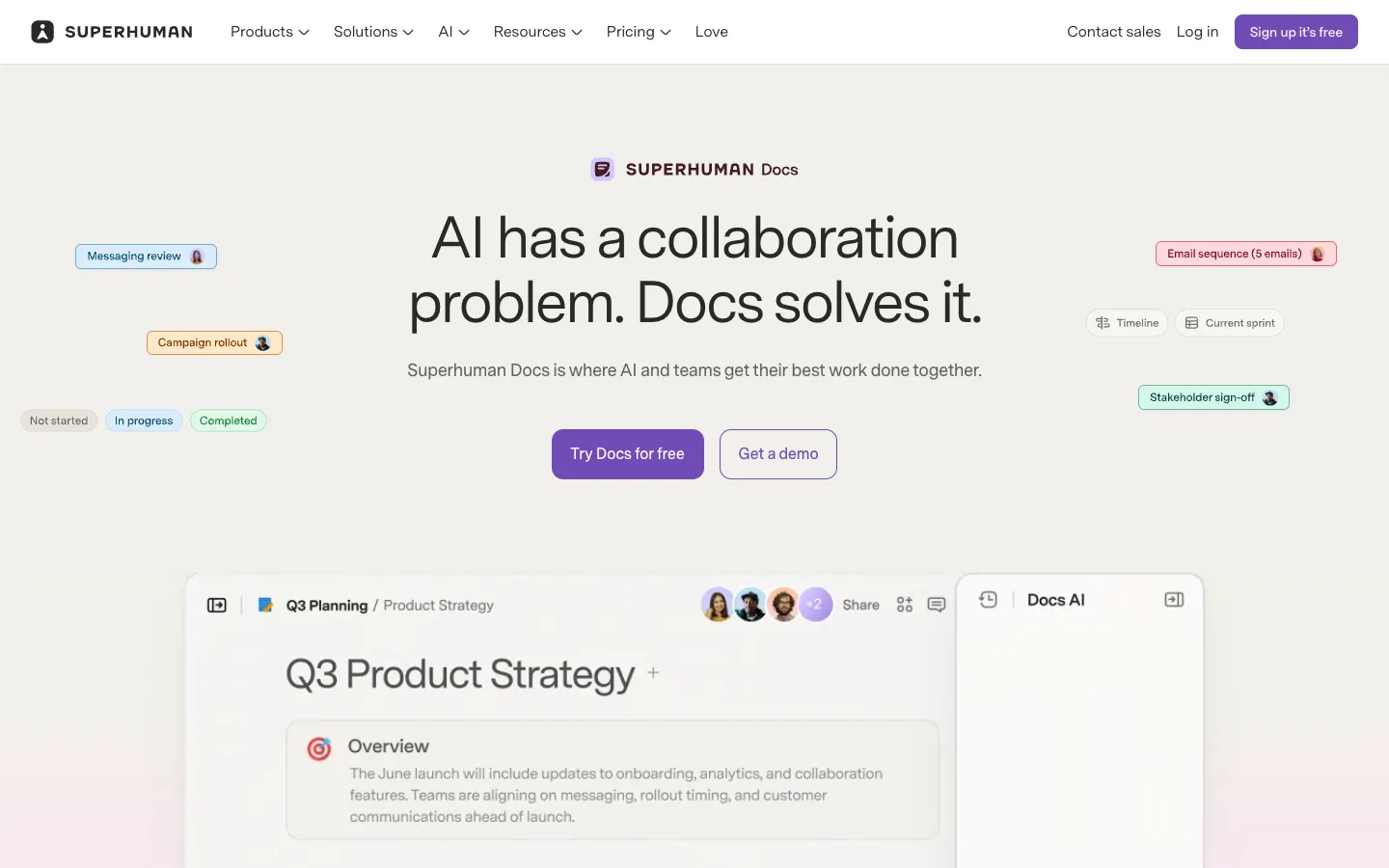
Superhuman Docs—widely known under its original name Coda until Grammarly acquired it, rebranded its suite to Superhuman and renamed the product in July 2026—sits between a document editor and a lightweight app builder. Inside a single written brief or client hub, you can embed live relational tables, formulas, interactive approval buttons and Packs that pull data directly from Google Search Console, Jira, Figma, HubSpot or Slack. For SEO, GEO and performance agencies that blend narrative strategy, keyword data, deliverable trackers and copy briefs on the same page, it is far more capable than Notion’s formulas.
Its standout agency advantage is Doc Maker pricing. You pay only for the people who create and architect docs; internal editors, freelance writers and external clients who edit, comment or view inside existing docs are free. Pro costs $12 per Doc Maker a month annually ($15 monthly), and Business—which adds unlimited automations, doc locking, private folders and Cross-doc sync—costs $33 per Doc Maker a month annually ($40 monthly). For a 15-person agency where 6 strategists and leads build client hubs and 9 writers plus 20 clients collaborate inside them, Business costs $198/month instead of $495. The trade-off is a steeper learning curve and a busier interface for pure long-form prose.
- Choose Superhuman Docs (Coda) if your agency blends structured data, live client portals and writing—and wants Doc Maker billing so freelancers and clients don’t inflate seat costs.
- Skip Superhuman Docs if you want an out-of-the-box writing environment that requires zero formula or template engineering.
Which project management suites include usable writing docs?
If your biggest complaint is the HBR “toggle tax”—writers jumping between a project manager, a wiki and a doc editor 50 times a day—two of the biggest work management platforms now include collaborative docs solid enough to replace a separate internal wiki.
ClickUp Docs: best for tying briefs directly to agency tasks and sprints
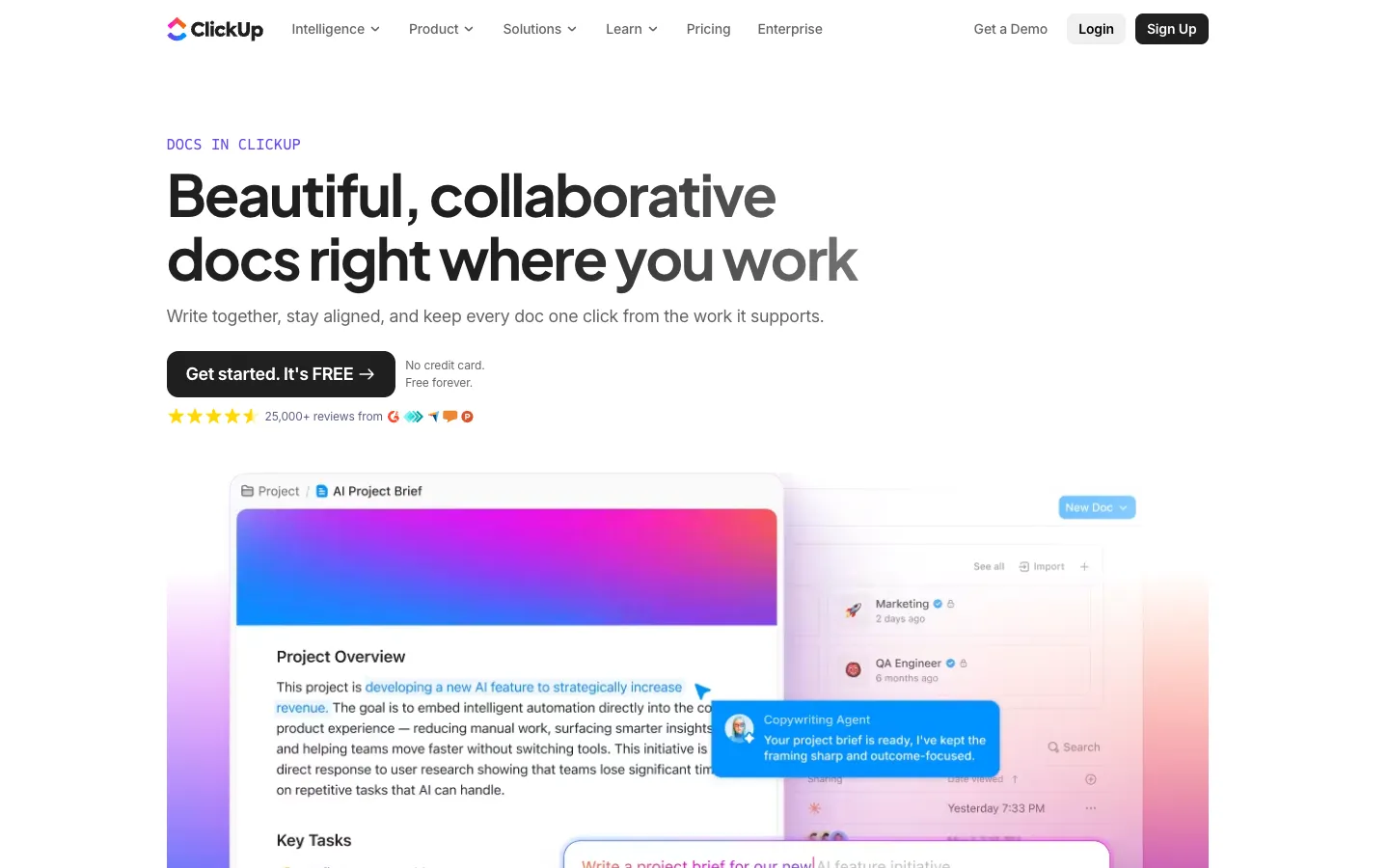
ClickUp builds collaborative docs directly into the same workspace as your client folders, task lists, time tracking and approvals. A strategist can write a content brief in ClickUp Docs, highlight an action item to turn it straight into an assigned task, verify an SOP as an official wiki page, and let writers query internal knowledge via pooled AI credits—all without switching tabs.
ClickUp updated its plan lineup around AI-bundled tiers: Core (replacing the legacy Unlimited plan) costs $9 per user a month annually ($12 monthly, with 1,000 monthly AI credits per user), and Business costs $17 per user a month annually (adding private docs and views, Google SSO, workload management, webhooks and 1,500 AI credits per user). Permission-controlled guest seats are included and scale up with paid members (starting around 5 on Core and 10 on Business). The drawback is interface density: ClickUp does everything, so the editor feels boxed inside a heavy project-management shell, and formatting exports to external CMSs or client Word files can require cleanup.
- Choose ClickUp Docs if your agency already runs delivery in ClickUp and wants briefs, SOPs and tasks in one login without paying for Notion.
- Skip ClickUp Docs if you want a clean, distraction-free writing surface or expect clients to redline long-form copy inside ClickUp.
monday workdocs: best for teams already running client operations on monday.com
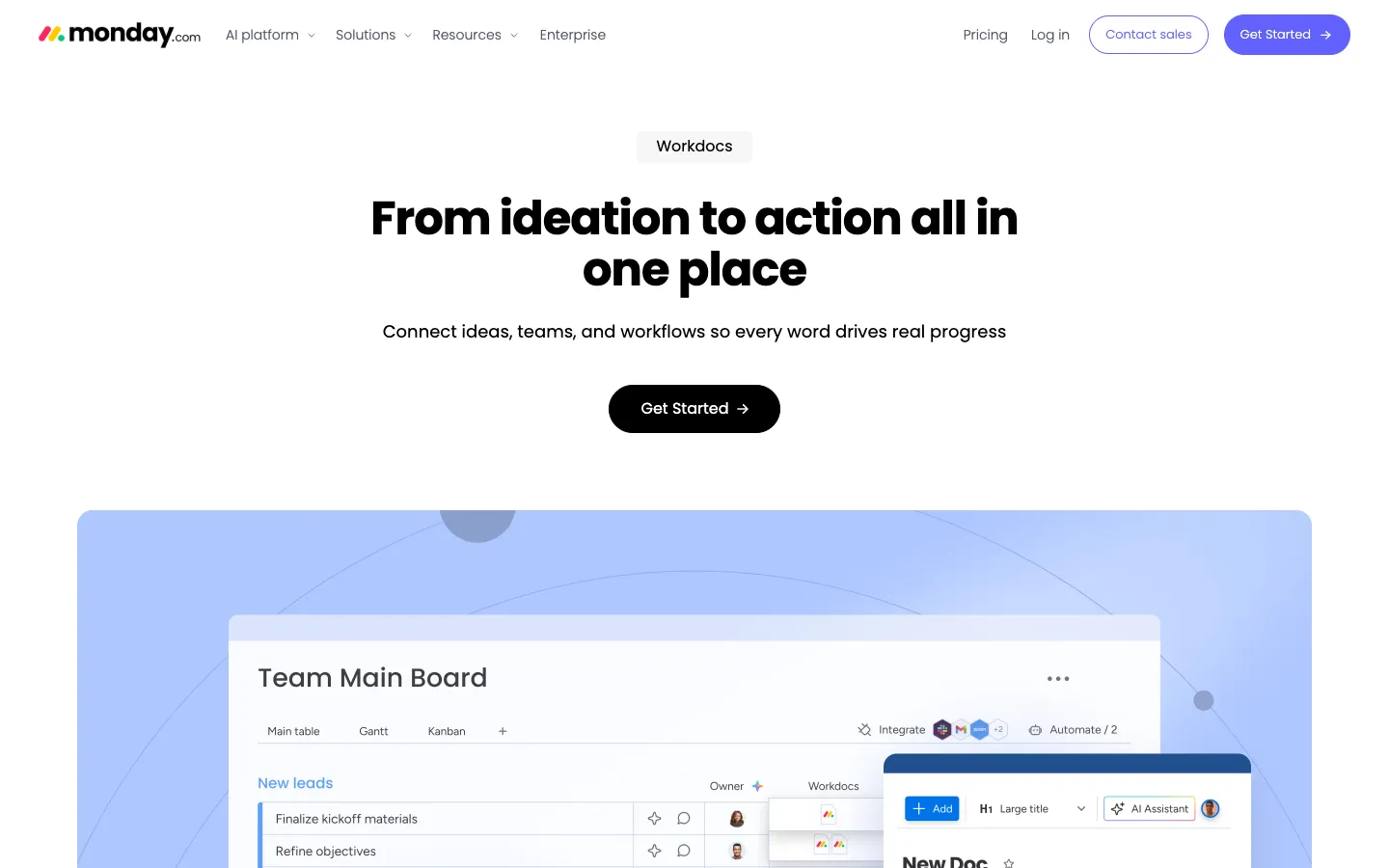
monday.com embeds real-time workdocs straight into monday Work Management, allowing teams to co-edit briefs, pull live project boards and charts directly into a document, and convert bullet points into board items on the fly. For account-driven creative and marketing agencies already running client pipelines and approvals in monday.com, workdocs cut down the number of orphaned Google Docs linked inside task columns.
Pricing runs in fixed seat buckets (3-seat minimum): Basic is $9 per seat a month annually ($12 monthly, no editing guests), Standard is $12 annually ($14 to $15 monthly, first tier with external guest access) and Pro is $19 annually ($24 monthly, adding private boards, time tracking and 25,000 automation actions). Because external guest seats count against paid seat ratios on Standard and bucket sizing can leave you paying for unused seats, check your exact client-guest headcount before standardizing client portals on monday.com.
- Choose monday workdocs if your agency already pays for monday.com Standard or Pro and wants briefs living right beside client boards.
- Skip monday workdocs if you aren’t already a monday.com shop, or if you need a deep multi-client wiki with free unlimited external guests.
One brief footnote on Dropbox Paper: it still ships free with every Dropbox account (Dropbox Standard for teams is $15 per user a month billed annually), and creative agencies already living in Dropbox for video and design assets sometimes use it for lightweight creative briefs. It lacks the relational databases, AI search and permissions of the seven platforms above, so treat it as a convenient bonus rather than a primary writing hub.
Which writing stack fits which agency size?
The right setup depends less on feature checklists than on headcount, client type and whether you already run a heavy project manager.
Boutique agencies (up to about 8 people)
Start with Google Workspace Business Standard ($14/user/month) alone until you pass five people or feel folder sprawl. Once briefs and brand guidelines start getting lost, add Notion Plus ($10/seat/month)—or Notion Business ($20) if you want AI meeting notes and search across every client space. Total cost for a 6-person agency: $84/month on Workspace alone, or $144 to $204/month paired with Notion.
Mid-size agencies (about 8 to 25 people)
This is where context switching and inconsistent briefs quietly destroy margin. Standardize on a clear two-layer rule so nobody wonders where a document belongs:
- Internal layer (briefs, calendars, SOPs, brand guidelines, QA checklists): Notion Business ($20/seat), Superhuman Docs Business ($33 per Doc Maker, cheaper if under half your team builds docs), or ClickUp Business ($17/user) if ClickUp already runs your delivery.
- External layer (client drafts, copy redlines, executive sign-off): Google Docs on Workspace Standard ($14/user) for digital/SaaS/consumer clients, or Microsoft 365 Standard ($14/user) for enterprise and regulated accounts.
Document the handoff rule in one paragraph during onboarding—for example: “All briefs, research and statuses live in Notion. Every client-facing draft opens in a linked Google Doc inside the client’s Shared Drive, and feedback lives in doc comments, never Slack.” That one rule removes half the friction teams blame on their tools.
Large agencies (30 people or more)
Past 30 seats, client isolation, SSO/SCIM provisioning and governance matter more than editor aesthetics. Most large agencies end up with Microsoft 365 or Google Workspace Business Plus/Enterprise at the base, paired with Notion Enterprise, Confluence Premium/Enterprise (especially in dev-heavy networks) or Superhuman Docs Enterprise for cross-department hubs. Negotiate annual seat commitments and ask specifically for SSO, audit logs and clear AI data-retention terms—especially if client MSAs restrict training on confidential drafts.
What do writing collaboration tools still do poorly for agencies?
Even the best writing stack leaves four operational gaps that software alone will not fix.
- The client login wall. Clients almost never adopt your internal workspace consistently. If you try to force every client into Notion, Confluence or ClickUp to review copy, someone on your team ends up exporting drafts to Word or Google Docs anyway—creating two diverging copies of the same deliverable.
- Feedback split across four channels. A client leaves three comments in Google Docs, emails two extra thoughts to the account director, drops a note in Slack and records a four-minute Loom. No writing tool automatically reconciles multi-channel feedback; your account workflow has to enforce a single source of truth before writers start revising.
- Messy CMS publishing handoffs. Copying formatted drafts—especially tables, callouts, anchor links and image alt text—from Docs, Word or Notion into WordPress, Webflow or a headless CMS still breaks formatting routinely. Content-heavy agencies save hours by standardizing Markdown exports, clean Google Docs-to-CMS plugins or a tight QA checklist.
- AI speed without editorial guardrails. Bundled AI in Google Workspace, Notion and Microsoft 365 makes it effortless to generate a 1,500-word first draft in thirty seconds—and just as effortless to drown senior editors in generic prose that misses the client’s actual proof points. As we cover in our guide to which SEO content is still worth building after AI Overviews, a strong brief with original data, client SME input and a clear click reason matters far more than faster draft generation.
How did we evaluate these tools?
We narrowed this comparison to the seven largest collaborative writing platforms that agencies actually standardize on at scale, skipping niche personal note apps and single-purpose copy tools. Pricing, guest rules and AI inclusions were verified directly on each vendor’s pricing pages and documentation in November 2026, all linked in the sources below.
All figures are in US dollars on annual billing unless noted otherwise. Because Microsoft, Notion, ClickUp and Superhuman (Coda) all restructured AI bundling or plan tiers between 2025 and 2026, treat every price as a November 2026 snapshot and verify current checkout terms before signing an annual agreement.
If you’re auditing the rest of your agency stack alongside writing tools, our comparison of the best GEO tools for agencies in 2027 runs the same cost-and-workflow breakdown for AI visibility tracking. And if you want a sharper content and organic growth system—not just cleaner docs—that’s where our online marketing strategy starts, or you can talk to us directly.
Frequently asked questions
What is the best writing collaboration tool for an agency?
For most agencies, a two-tool split outperforms any single platform: Notion for internal writing operations (briefs, SOPs, content calendars, client wikis) and Google Docs for client-facing copy review. Notion includes unlimited free external guests on paid plans and bundles Notion AI into Business ($20 per seat annually), while Google Docs remains the only editor almost every client will open and redline without friction.
Why do most agencies still need Google Docs or Word alongside Notion or Confluence?
External client friction. Clients, legal teams and freelance subject-matter experts rarely want another workspace login just to review a blog post or landing page. Google Docs' Suggesting mode and Microsoft Word's Track Changes also handle line-by-line editorial redlining far more reliably than block-based workspaces.
How much productive time do agencies actually lose to scattered writing tools?
Published workplace studies point to a heavy tax. A Harvard Business Review study of 137 Fortune 500 workers found employees toggle between apps roughly 1,200 times a day and lose just under four hours a week reorienting themselves. Atlassian's 2025 State of Teams survey of 12,000 knowledge workers found teams waste 25% of their time searching for answers, and Asana's Anatomy of Work Global Index put coordination 'work about work' at 58% of the day.
Which writing tool is cheapest when an agency invites lots of clients and freelancers?
Notion and Superhuman Docs (formerly Coda) handle external collaborators most generously. Notion allows unlimited free guests on Plus ($10 per seat annually) and Business ($20). Superhuman Docs charges only for Doc Makers ($12 on Pro or $33 on Business annually) while editors and viewers collaborate free. Confluence allows up to five free guests per paid seat, whereas monday.com and ClickUp tie guest seats to plan tiers and ratios.
What happened to Coda?
Grammarly acquired Coda in early 2025, later acquired Superhuman, and unified its product suite under the Superhuman brand. In July 2026, Coda was renamed Superhuman Docs. The underlying product—docs combined with tables, formulas, Packs and Doc Maker pricing—remains intact under superhuman.com.
Are built-in AI features worth upgrading tiers for?
Only when your docs are organized enough for AI to retrieve clean context. Google Workspace Business Standard ($14 per user annually) includes Gemini across Docs and Gmail, and Notion Business ($20 per seat annually) includes Notion AI and enterprise search. Microsoft 365 Copilot costs extra ($23.50 bundled with Standard, or $21 as an add-on). Paying for AI on top of messy, unmaintained folders mostly accelerates generic drafts.
Can ClickUp Docs or monday workdocs replace Notion for an agency?
For operations-heavy agencies already running client delivery in ClickUp or monday.com, yes—especially for briefs, meeting notes and SOPs tied directly to tasks. Both save a separate workspace subscription and reduce tab switching. Most agencies still keep Google Docs or Word for long-form editorial review with external clients.
Sources
- How Much Time and Energy Do We Waste Toggling Between Applications?, Harvard Business Review, August 29, 2022
- Will AI Fix Work? (Work Trend Index Annual Report), Microsoft WorkLab, May 2023
- Breaking down the infinite workday (Work Trend Index Special Report), Microsoft WorkLab, June 2025
- State of Teams 2025, Atlassian, 2025
- Anatomy of Work Global Index 2023, Asana, 2023
- 100 Million of You, Notion, September 3, 2024
- Google Workspace pricing, Google, checked November 2026
- Microsoft 365 for Business pricing, Microsoft, checked November 2026
- Notion pricing, Notion, checked November 2026
- Confluence pricing, Atlassian, checked November 2026
- Superhuman Docs pricing (formerly Coda), Superhuman, checked November 2026
- ClickUp pricing, ClickUp, checked November 2026
- monday.com pricing, monday.com, checked November 2026